Shonchoy
Shonchoy — The Everyday Expense Tracker

Stop guessing where your money went!
Fast • Offline • Frictionless
A finance app built for the "3-Tap Rule" — log an expense in under 5 seconds.






Why Another Expense Tracker?
Most finance apps are too slow. They demand details you don’t have, force you to create an account, and stop working the moment you lose signal. Your information isn’t really yours.
Shonchoy is built for velocity.
- No login — open the app and start immediately.
- No loading — everything lives on your phone.
- No ads, no trackers — just you and your money.
“If logging a coffee takes more than 5 seconds, you won’t do it. Shonchoy fixes that.”
What’s New in v4.0.0
A major rebuild. Everything below is new or significantly reworked since v3:
- Bill Splitter — split a bill four ways, settle up with the fewest transactions.
- Subscriptions — track recurring payments; never miss a renewal.
- App Lock + Biometric — PIN + fingerprint/face protection.
- 4 Themes — Fresh Teal, Midnight Ocean, Cozy Walnut, Iris Lavender.
- Mascot Chat — log an expense by just typing it.
- Statistics — trends, percentiles, top merchants.
- Google Drive Backup — encrypted backups to your own Drive.
- CSV Import/Export + Trash (undo) + a built-in expression calculator.
Features
The 3-Tap Entry
Type an amount, tap a category, done. A custom keypad, an expression calculator (100+50*2 → 200), and a smart grid that floats your three most-used categories to the top row mean logging is muscle memory within a day.
Dashboard
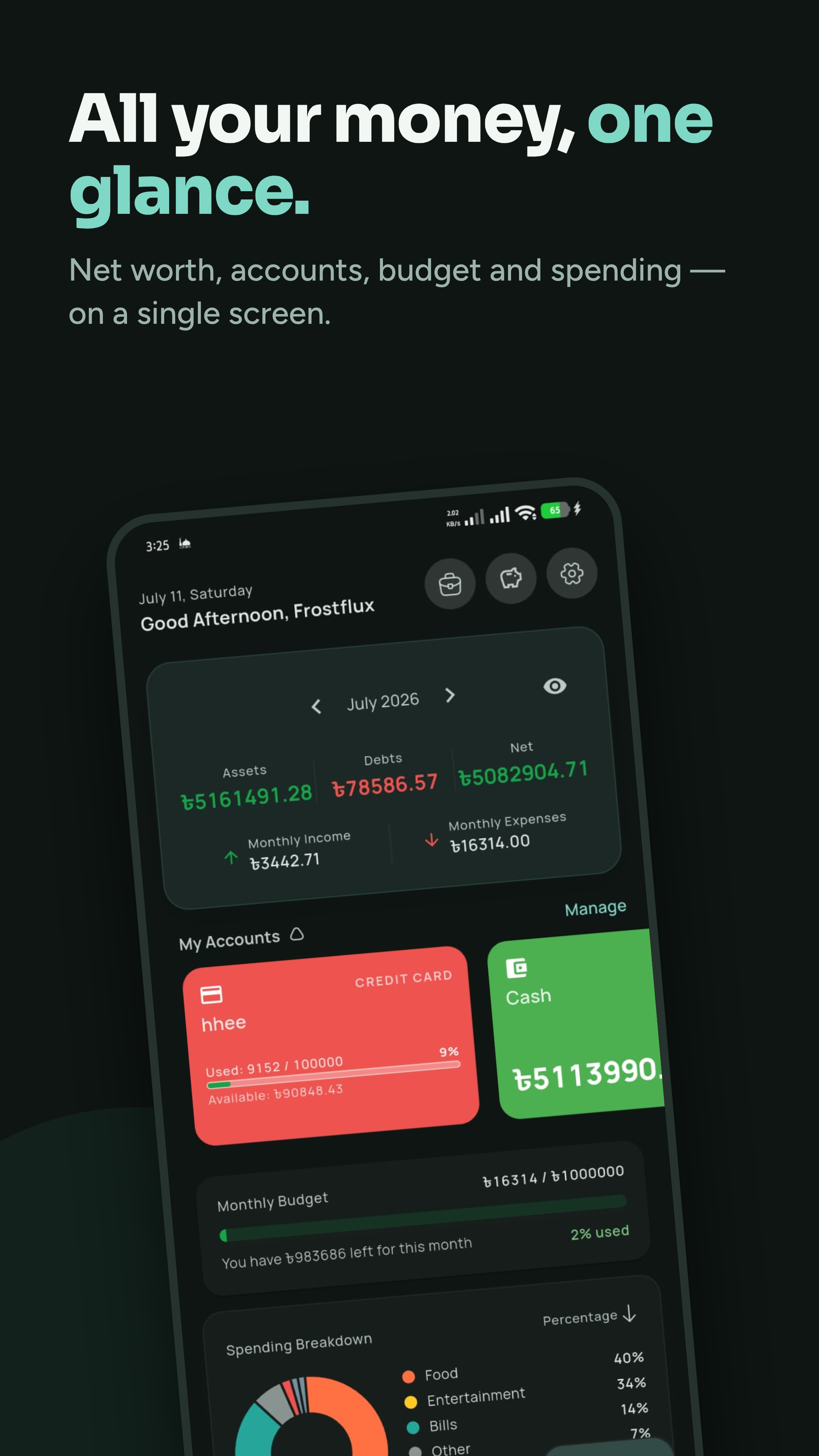
Live balance, net worth across accounts, a color-coded budget bar (green → amber → red), a daily safe-to-spend figure, and a donut breakdown of where your money went this month — all on one screen.
Multi-Account Management
Cash, banks, cards, and mobile wallets. Account types are currency-aware — set BDT and you get bKash, Nagad, Rocket, Upay, DPS, and FDR out of the box. Credit cards get their own fields: limit, statement balance, minimum payment, and due day. Transfer between accounts (with an optional fee), and tap any account for its full history.
Bill Splitter
Create a group (or a one-off Quick Split), record who paid how much, and split equally, by custom amounts, by percentage, or by shares. Shonchoy then computes the minimum set of transactions to settle everyone up.
Subscriptions
Track every recurring payment with custom cycles (every N days/weeks/months/years), trial periods, and active/paused/cancelled states. See your monthly and yearly burn at a glance, with auto-recorded expenses on each renewal.
Savings Goals
Set named targets, watch traffic-light progress bars fill, and deposit or withdraw with a full activity log. Goals carry over month to month.
Budget Planner
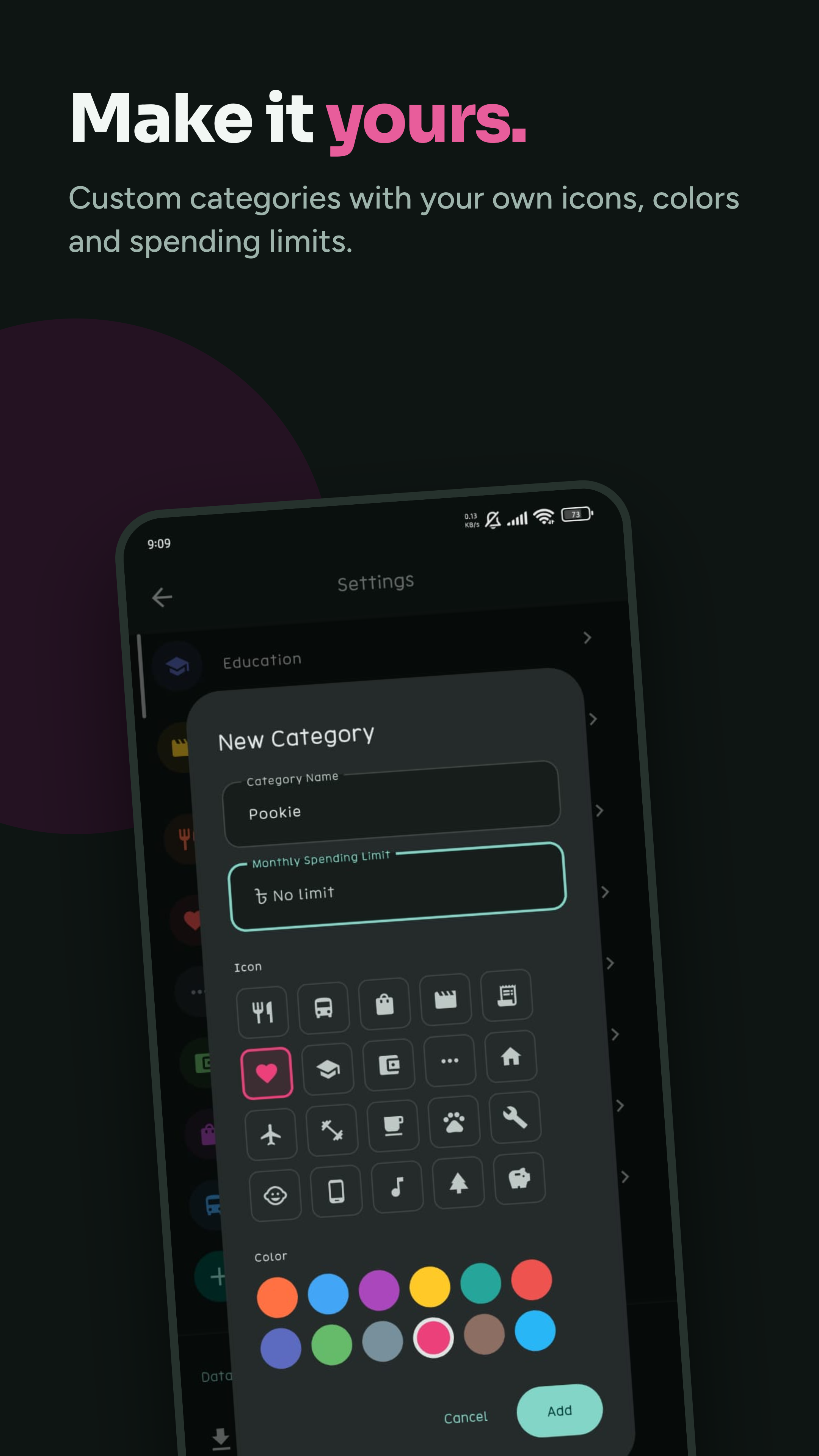
Zero-based budgeting: assign every dollar a job. Set category-specific limits with daily/weekly/monthly/yearly intervals and optional rollover, then watch planned vs. actual side by side.
Debts & Lending
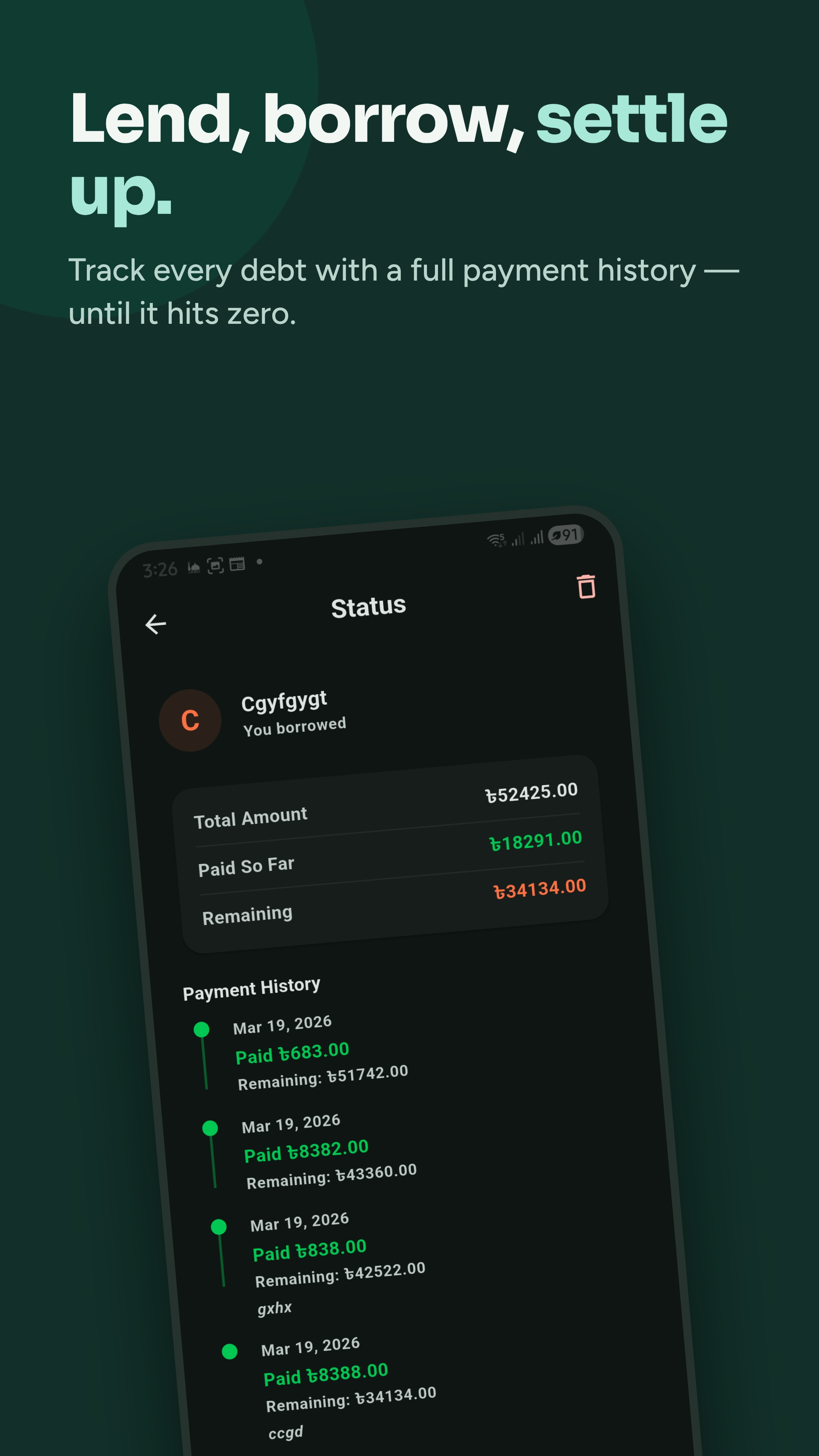
Track money you owe and money owed to you. Record partial payments, see a full timeline, and get due-soon highlights. The dashboard shows your net debt position in one card.
Category Insights
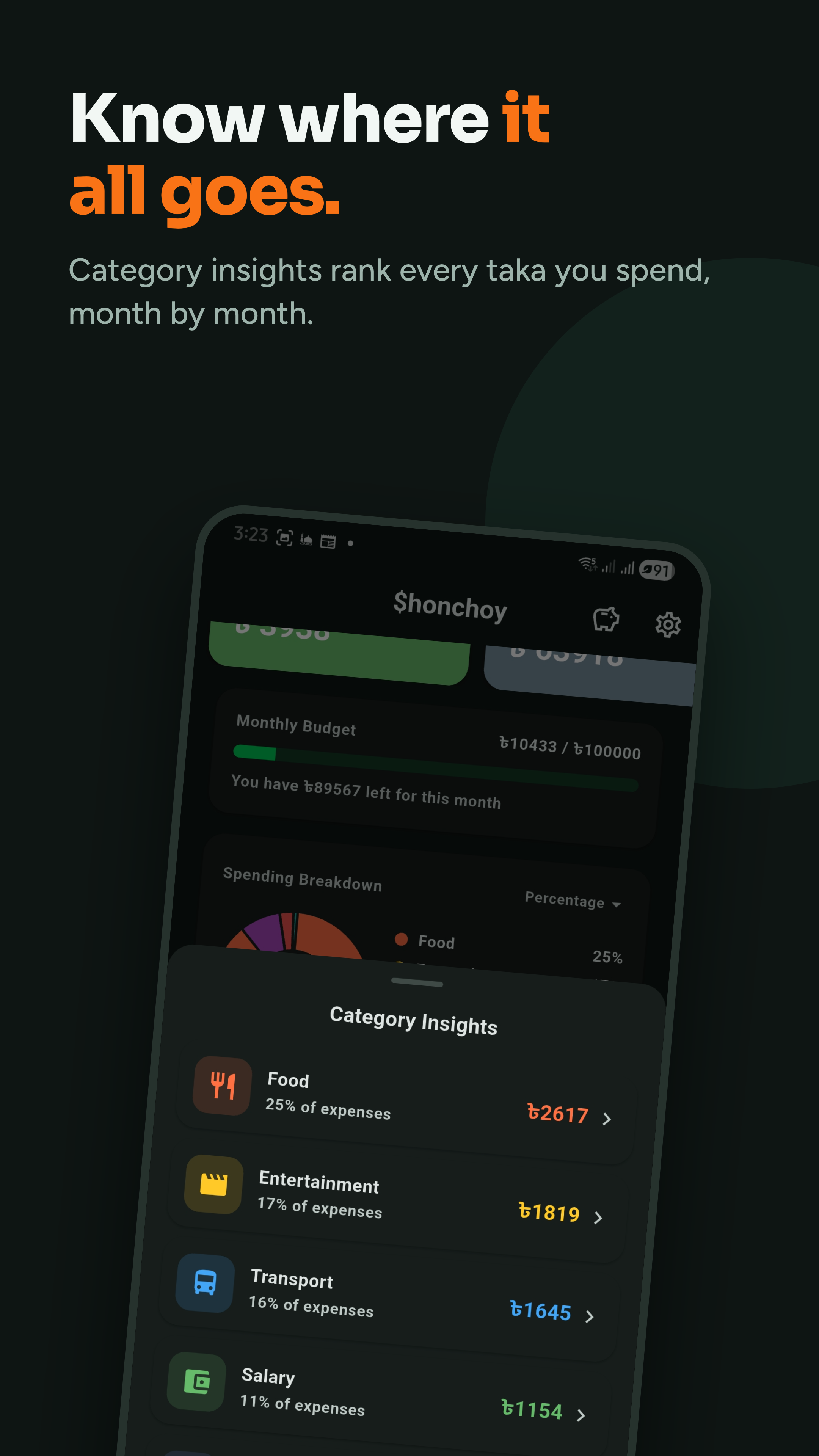
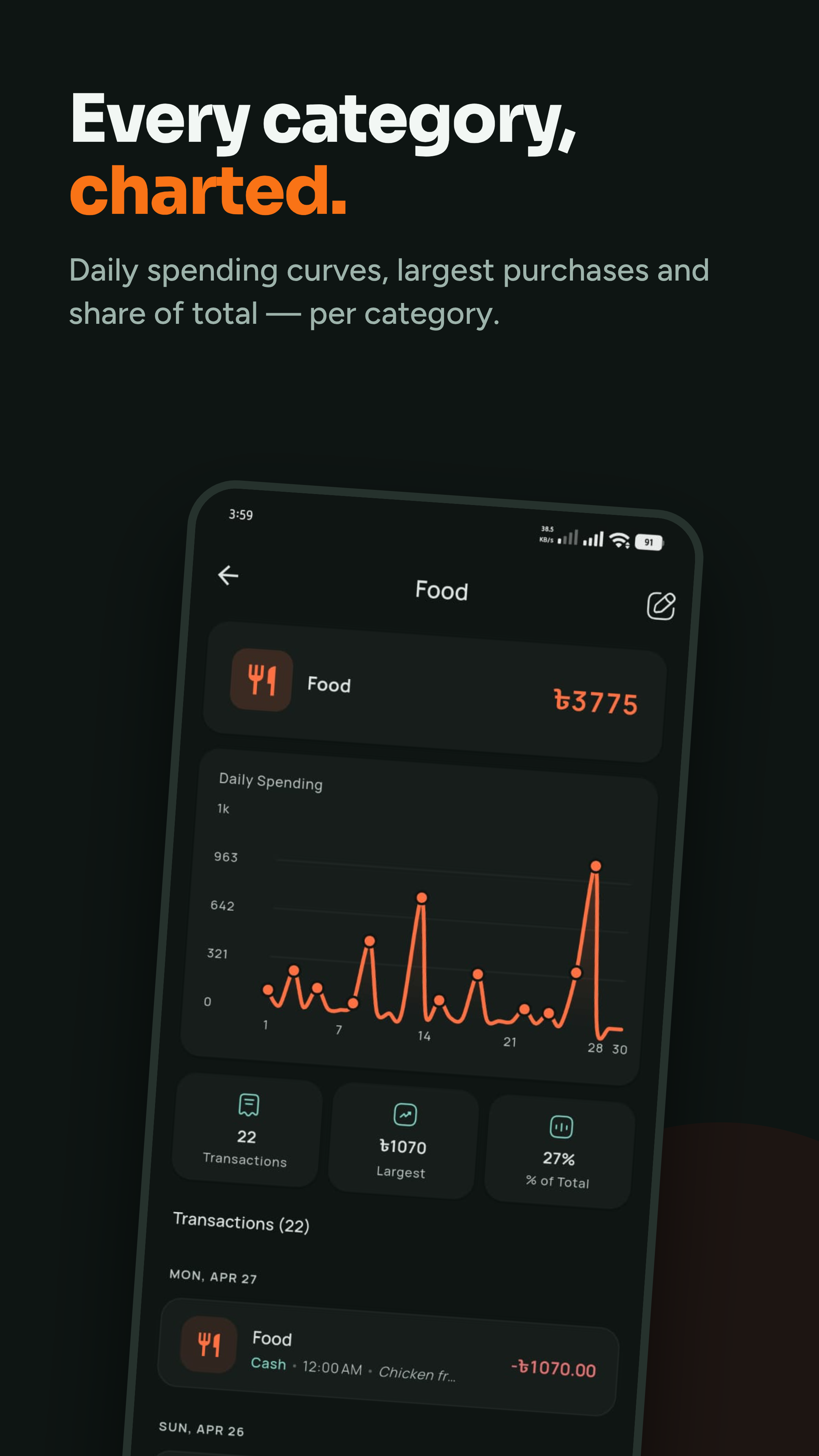
Tap any slice of the donut for a deep dive: a daily spending line chart, key stats (average, largest, % of total), and every transaction in that category.
Statistics (Pro)
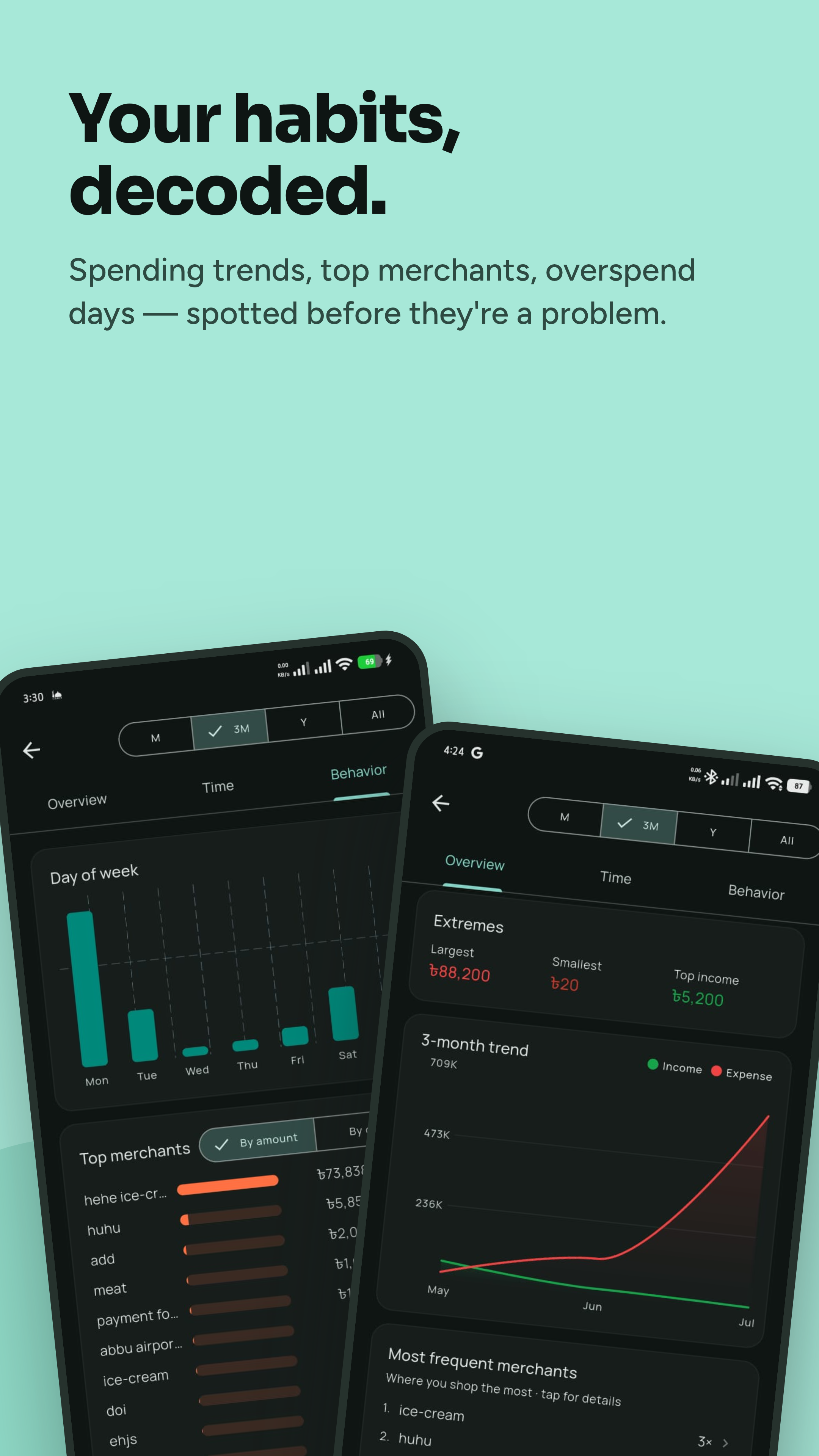
Go beyond the month: 12-month income/expense trends, median and 90th-percentile spending, your top merchants, and your five largest transactions in the range.
Mascot Chat
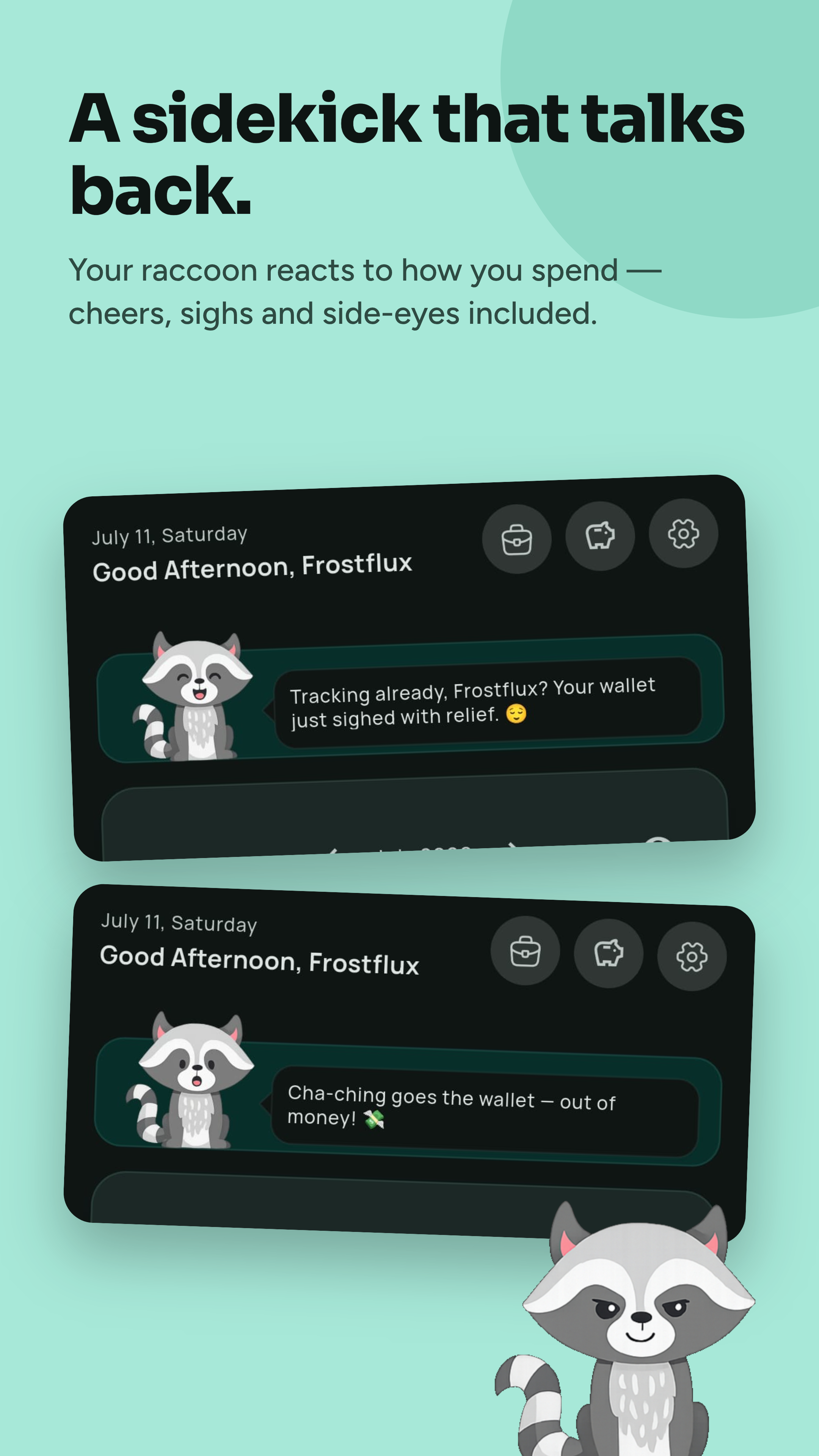
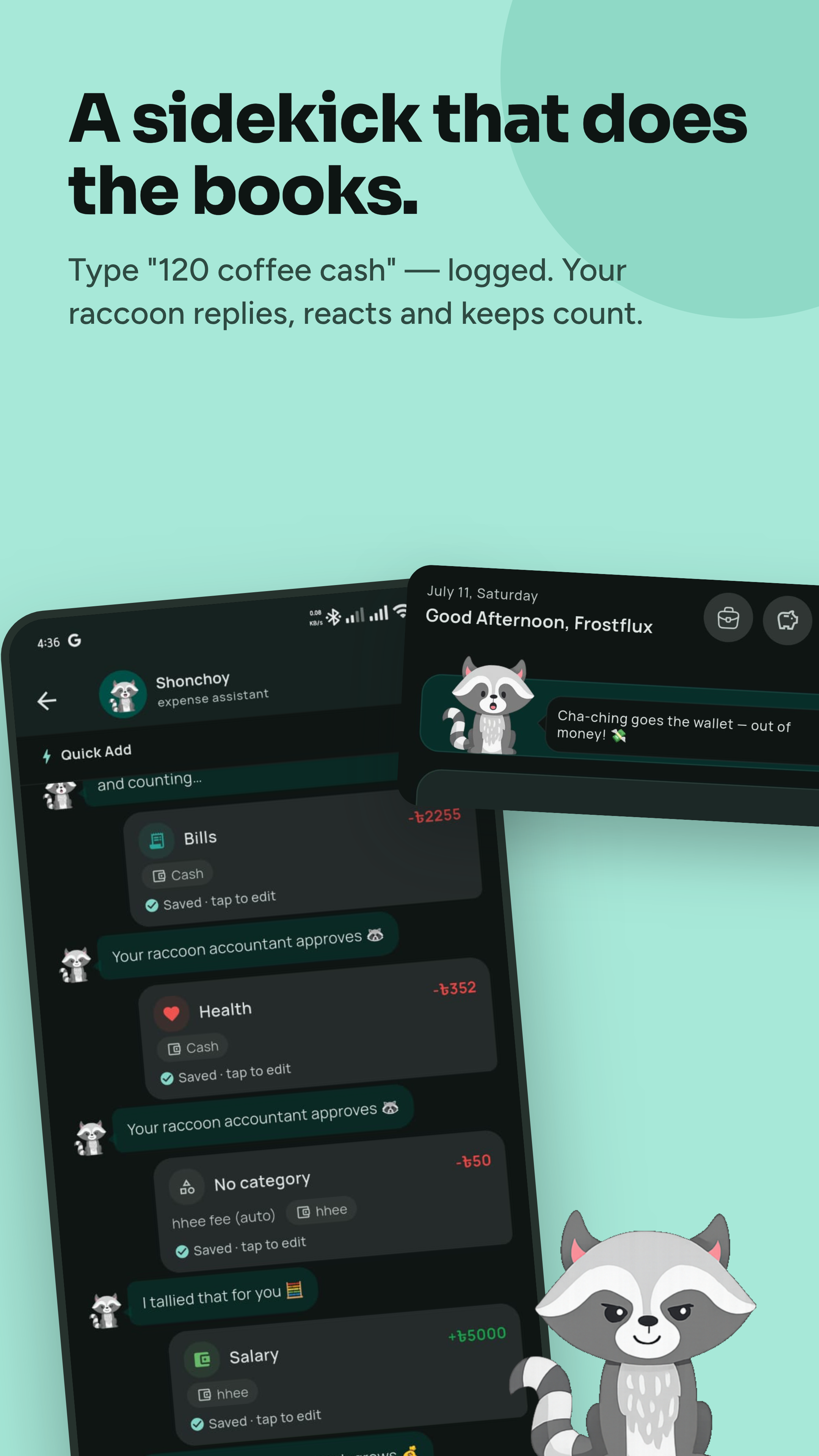
Just type — “spent 250 on groceries” — and Shonchoy parses the amount and category. Quick-add cards surface your recurring merchants. A raccoon mascot reacts to your spending with a bit of personality.
App Lock & Security
An optional 4-digit PIN (stored as a salted hash in secure hardware storage) plus biometric unlock. Repeated wrong attempts trigger an escalating lockout.
Themes
Four hand-tuned themes (Fresh Teal, Midnight Ocean, Cozy Walnut, Iris Lavender) plus a dark-mode toggle. Fresh Teal is free; the other three are part of Pro.
Data & Backup
- CSV import/export — full backups that survive a phone reset.
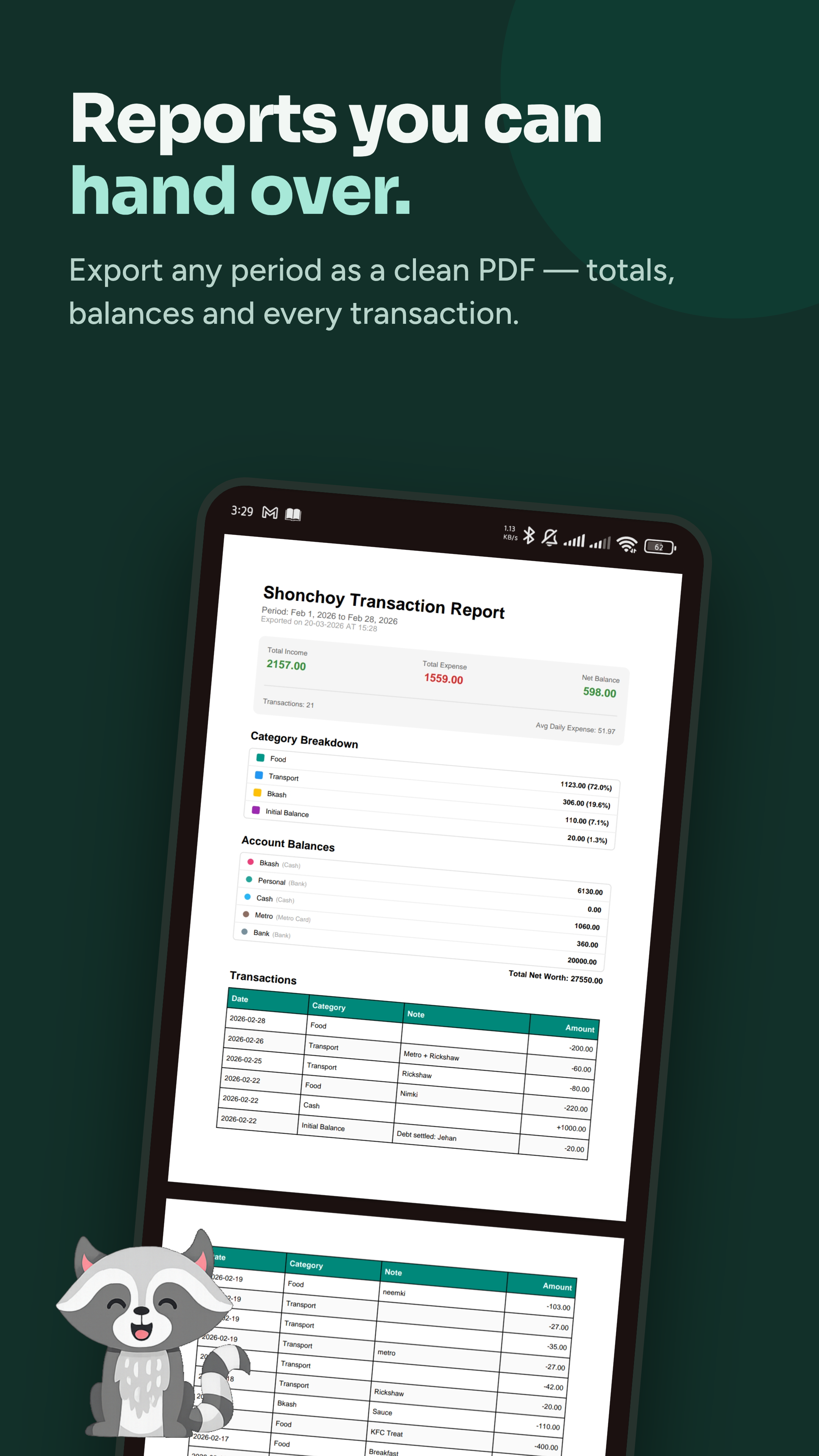
- PDF reports — transaction history with category breakdown and account balances.
- Google Drive backup (Pro) — encrypted, to your own Drive. Nothing ever touches our servers.
- Trash — delete is undoable for 30 days.
Free vs Pro
| Free | Pro | |
|---|---|---|
| Log expenses & income | Unlimited | Unlimited |
| Accounts | 5 | ∞ |
| Categories | 20 | ∞ |
| Savings goals | 1 | ∞ |
| Subscriptions | 1 | ∞ |
| Mascot chat | 3 / day | ∞ |
| PDF reports | 1 / month | ∞ |
| Themes | 1 (Fresh Teal) | All 4 |
| Statistics | — | ✓ |
| Google Drive backup | — | ✓ |
Upgrade anytime from Settings → Upgrade to Pro in the app.
Screenshots
 |
 |
 |
 |
 |
 |
 |
 |
 |
Get It
Shonchoy is available on Google Play — the recommended way to install (auto-updates, Pro upgrade, and full support).
- Open the Google Play listing.
- Tap Install.
- Set your starting balance — and you’re tracking.
Privacy
Shonchoy is offline-first. Your transactions, accounts, and budgets never leave your device unless you explicitly export or back them up. Read the full Privacy Policy.
Feedback & Support
Found a bug? Have an idea?
- Report an issue
- Star this repo if Shonchoy helps you.
License
Proprietary. See LICENSE for details.
Built with Flutter by Ahnaf.
Stop guessing where your money went.